 Paul Laros
AdminKit
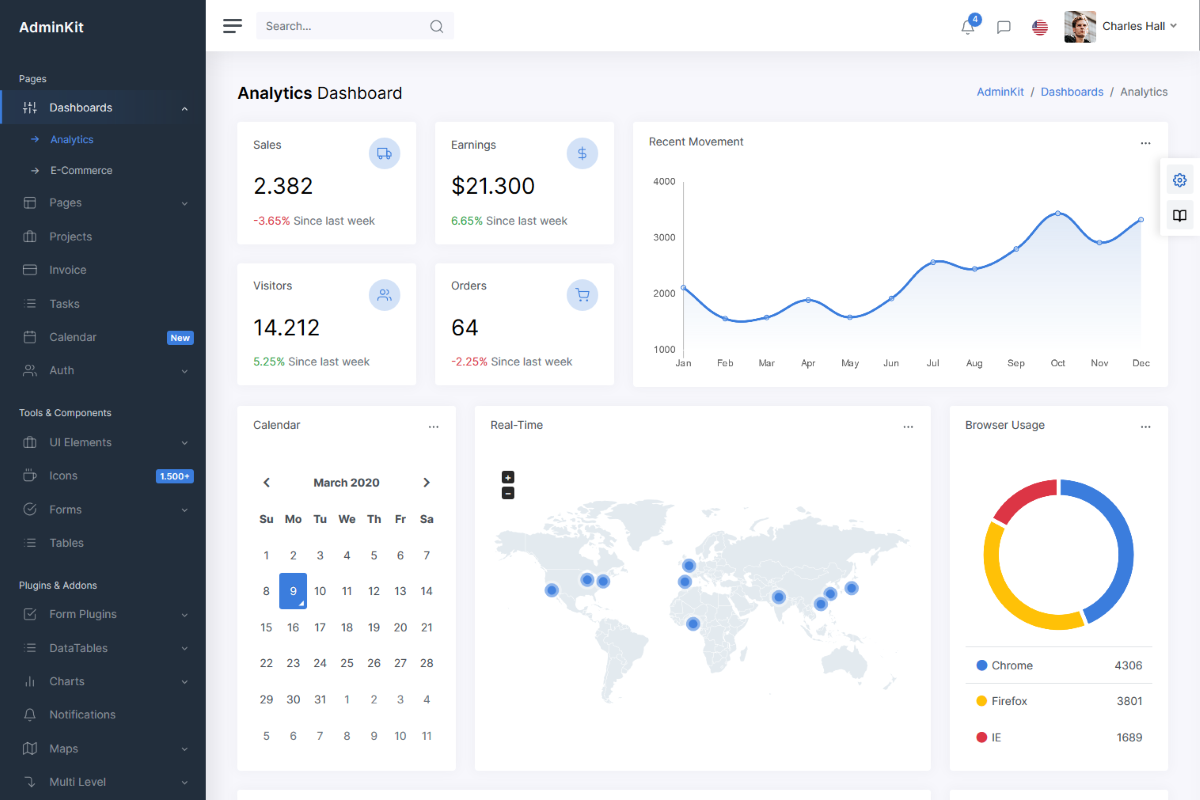
A professional Web UI Kit & Dashboard template based on Bootstrap that comes with hundreds of UI components, forms, tables, charts, pages and icons.
View Demo | Download ZIP | Visit Website
Status



Features
- Customizable: You don't need to be an expert to customize AdminKit. Our code is very readable and well documented.
- Fully Responsive: With mobile, tablet & desktop support it doesn't matter what device you're using. AdminKit is responsive in all browsers.
- Cross Browser: Our themes are working perfectly with: Chrome, Firefox, Safari, Opera and Edge. We're working hard to support them.
- HTML5 & CSS3: We use only modern web technologies, such as HTML5 and CSS3. AdminKit includes some subtle CSS3 animations, which will help you attract attention.
- Clean Code: We strictly follow Bootstrap's guidelines to make your integration as easy as possible. All code is handwritten.
- Regular Updates: From time to time you'll receive an update containing new components, improvements and bugfixes.
Quick start
Download
- Clone this repo
git clone https://github.com/adminkit/adminkit.git - Download from GitHub
- Download from Website
Build tools
The theme includes a custom Webpack file, which can be used to quickly recompile and minify theme assets while developing or for deployment. You'll need to install Node.js before using Webpack.
Once Node.js is installed, run npm install to install the rest of AdminKit's dependencies. All dependencies will be downloaded to the node_modules directory.
npm install
Now you're ready to modify the source files and generate new dist/ files. AdminKit uses webpack-dev-server to automatically detect file changes and start a local webserver at http://localhost:8080.
npm start
Compile, optimize, minify and uglify all source files to dist/ folder:
npm run build
Bugs and feature requests
Found a bug or have a feature request? Please open a new issue.